Cybersecurity for everyday school life
Lessons for grades 5–6
On this page, you’ll find teacher resources to help you teach lessons on cybersecurity.
Lesson: Critical thinking
This lesson looks at how we are influenced online and how to recognise attempts to influence us.
The aims are to:
- understand what mis-, dis-, and malinformation mean
- practise checking sources
- think about what can happen when misleading information is shared.
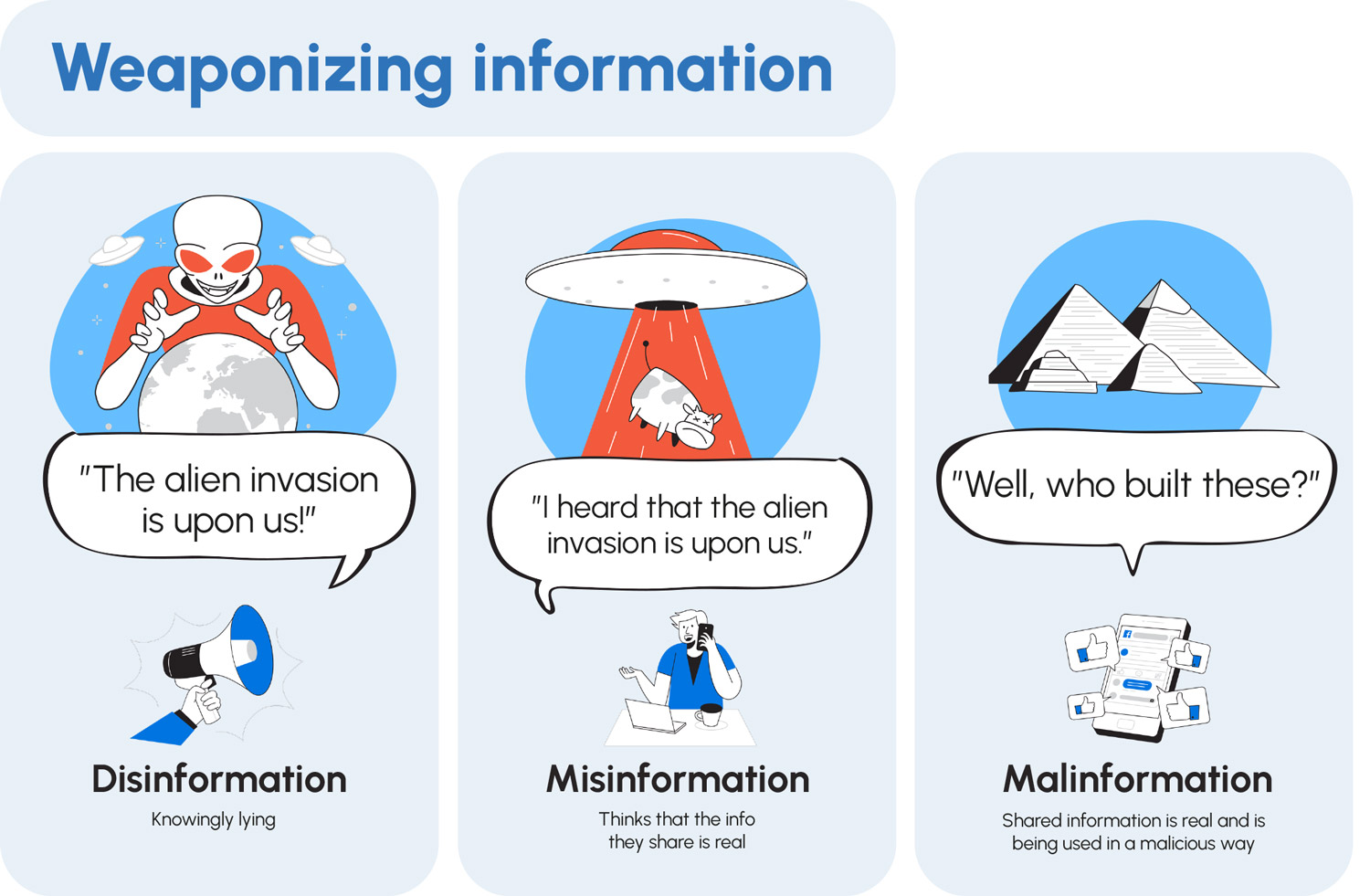
Infographic
Weaponising information: the hidden dangers
Discuss with the class:
- What everyday examples can you think of mis-, dis-, and malinformation?
Task
What are the different forms of influence operations?
Discuss with the class:
- Have you come across these kinds of situations or examples?
- Have you ever clicked on a news story just because of the headline? What happened when you read the article?
- How can hacked social media accounts influence people’s opinions?
- How can fake images and videos be used to mislead people?
- Why do people troll others or write provocative comments online?
- How can trolling affect an individual or a community?
- Have you ever encountered trolling online? How did you react?
- Have you ever come across a conspiracy theory? How did it make you feel?
- How are memes used not only for fun, but also to influence people?
- Why can sharing memes have both positive and negative effects?
- Have you ever shared a meme? Did you think about its content before sharing it?
Infographic
How to assess whether content is reliable
Discuss with the class:
- What does fact-checking mean, and why is it important?
- Why shouldn’t you rely on just one source of information?
- How can we check whether images or videos are real?
- How could you find another perspective on the same news story?
Lesson: Emotional skills
This lesson focuses on emotions and everyday human reactions in online scams.
The aims are to:
- recognise how cybercriminals can take advantage of common human traits
- think about what kinds of online scams students have come across
- learn to recognise and discuss the human traits and reactions that scams often rely on.
Video
Scams Blink and You’ll Miss Them
Discuss with the class:
- What kinds of scams have you come across?
- On which platform?
- What did you do?
Infographic
What are the human traits that criminals exploit?
Think about the scams you discussed in the video activity:
-
What human traits were used in each situation?
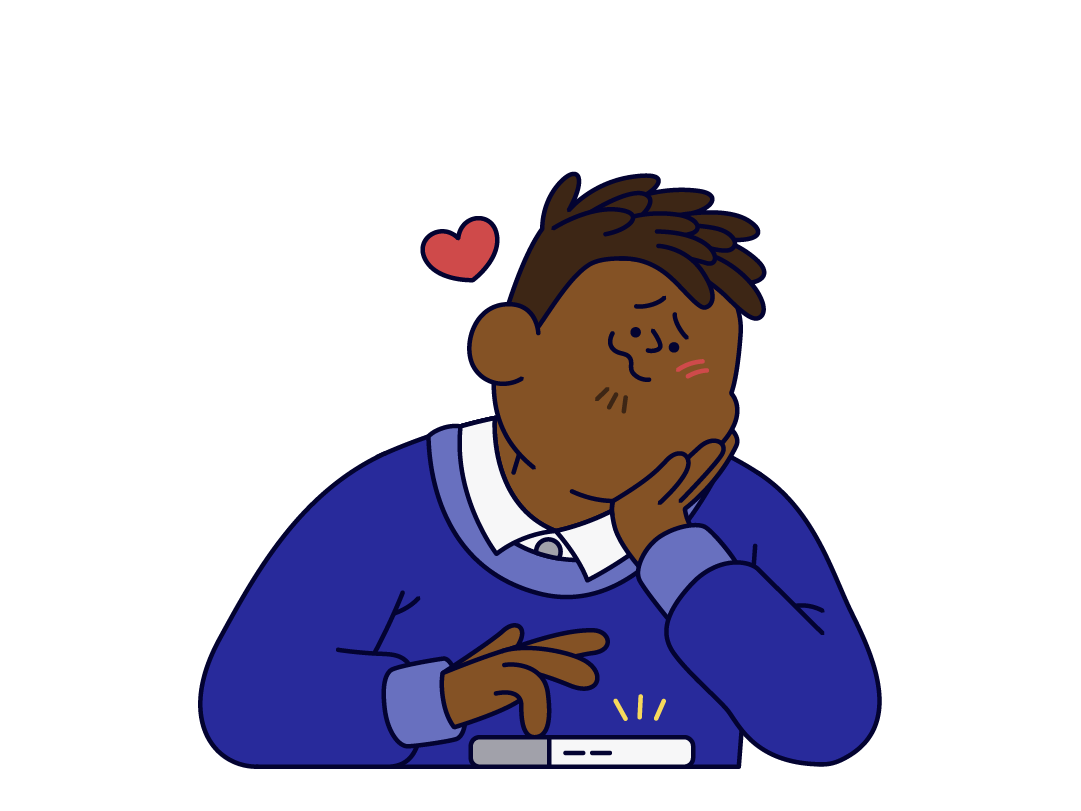
Scenarios
Recognise everyday scam situations
Divide students into small groups or discuss together as a class. After going through the scenarios, discuss why the scam works:
- What human traits does the scammer appeal to?
- Think about whether someone has ever made you act against your own will. In what situations, and why? Was it a scam?
Lesson: Rights and responsibilities online
In this lesson, students examine what counts as appropriate behavior online and how to act in difficult situations.
The aims are to:
- learn to distinguish whether certain behavior is appropriate or even illegal
- know their rights online
- understand their responsibilities.
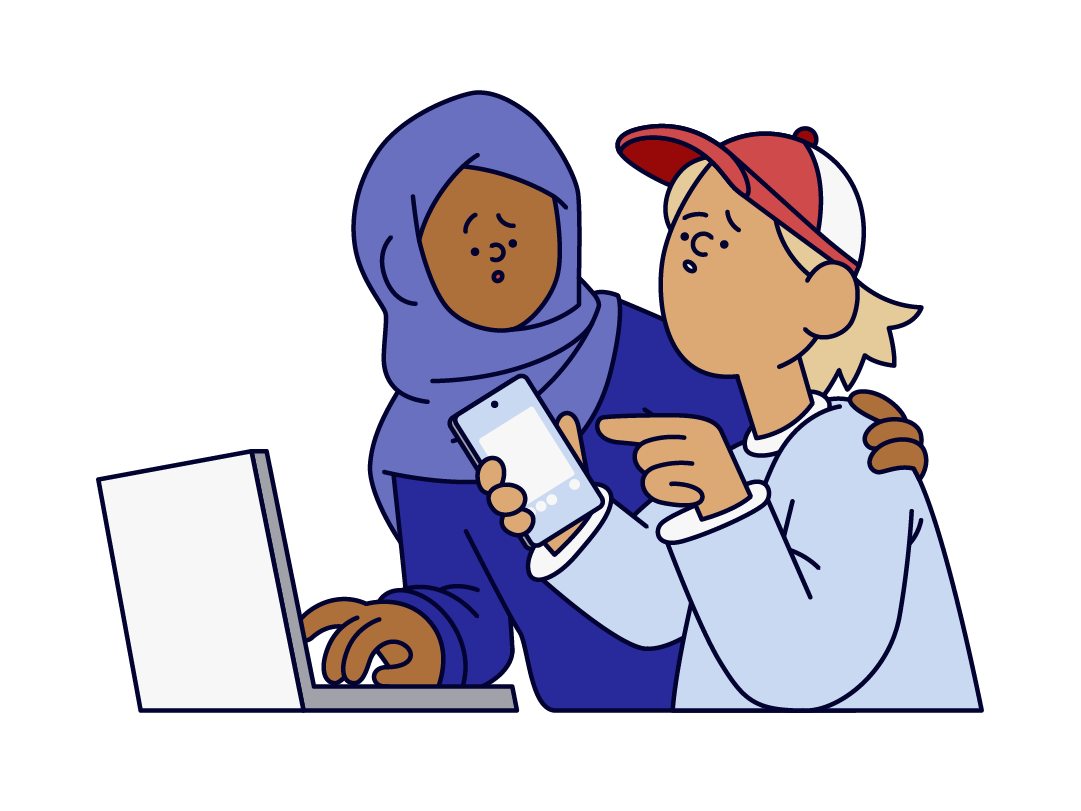
Task
Decisions online: what’s okay?
Show scenarios and discuss with the class:
- Is this legal/illegal?
- Is this bullying?
- Does this violate privacy?
- What would be the best course of action?
Handout for home
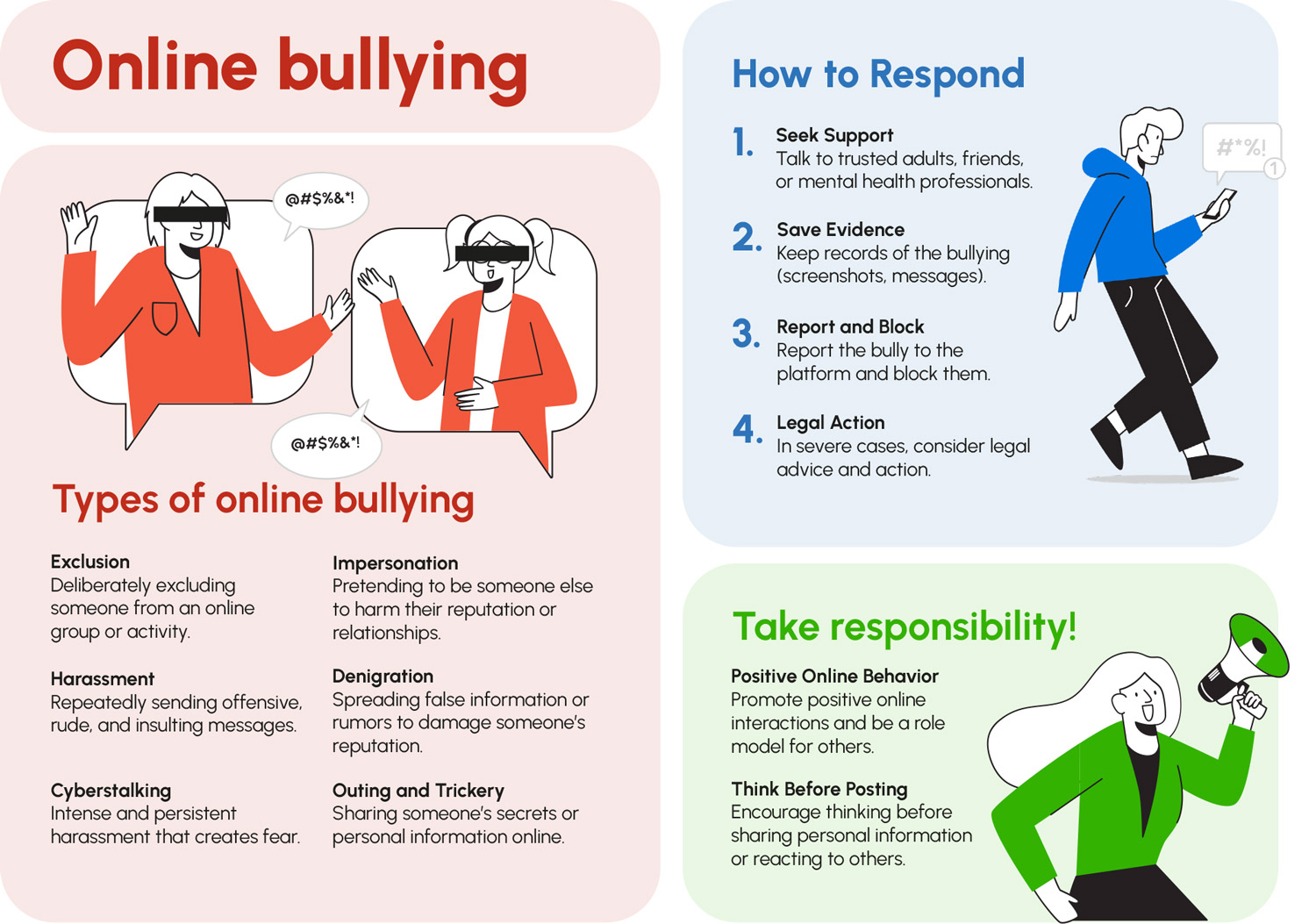
How can you address online bullying?
You can send this handout about online bullying home for students to read.
Lesson: Safe use of technology
In this lesson, students complete a station-based activity on the safe use of technology.
The aims are for students to:
- create strong passwords and secure their accounts
- understand how to share information safely
- check whether their data has leaked online.

Video
Cyber Health Hacks
The video introduces the lesson topic. Then split into groups. The groups rotate through the stations below.
Station 1
Passwords
Task:
- Discuss what makes a strong password.
- Write the features down.
- The group creates a password and writes it on paper.
- Later, use Bitwarden’s password strength test to check which group created the strongest password.

Station 2
Application permissions
Task:
- Each group receives a sheet that describes an app and lists the permissions the app asks for.
- The group discusses:
– Which permissions are justified for this app?
– What information could the permissions reveal?
Supporting material:
- Nature Lens only needs permission to use the camera. Photos and videos, and notifications, are optional permissions.
- Flashlight Pro also only needs permission to use the camera. The app suspiciously asks for access to many things that are not relevant for using a flashlight.
Station 3
Trying the Identity Theft Checker
Task:
- Practise how to check whether your own data has leaked online.
- Use the Data Leak Checker tool in the SecPort portal.
- At this station, students are also guided to try the Panic Button in the SecPort portal. It gives support in problem situations, such as when your personal data has leaked online.

Station 4
Understanding cookies
Task:
- Learn what cookies are, what they are used for, and what information they can collect.
- Start by reading the Cookie explanation in the SecPort glossary.
- Find two websites with a cookie pop-up.
- Look at what information the service collects through cookies.
- Write down what information the service collects and how it uses it.
- Discuss:
– How does accepting cookies affect how the website works?
– What information can cookies reveal?
Station 5
Account security
Task:
- Assess the privacy and security settings of a user account.
- Students first play through the Hacked Social Media Account mini-game.
- Students then choose a website or app they use often and look at its privacy settings. They can usually find these in the website or app settings under privacy and data protection.
- Discuss together:
– What do the settings mean?
– How do the settings affect privacy?
– What could happen if someone else gained access to your social media account?
Lesson: Understanding value
In this lesson, students learn which personal information shouldn’t be shared online and why privacy matters.
The aims are to:
- identify which personal details are valuable
- reflect on their own social media behavior.
Video
Dare to Care What You Share Online
The video introduces the lesson topic. Then split into groups or discuss the lesson topics as a class.
Scenarios
What do you share online and how can you manage your privacy?
Discuss with the class:
- What information have the people shared about themselves and others?
- Could criminals or other malicious actors exploit it?
Task
Recent social media posts
Instruct students to reflect on their recent social media posts:
- Write down what the post included.
- What could someone infer about you based on this information?
- Have you shared information you shouldn’t have? What?
Homework
Managing your digital footprint
You can assign this article on digital footprints for students to read at home.